Complete invoicing and business software for Italy.
E-invoices, quotes, delivery notes, inventory and payment schedules in a single application. In your browser, on your computer and on your phone.
Free plan up to 100 documents a year, no credit card required.
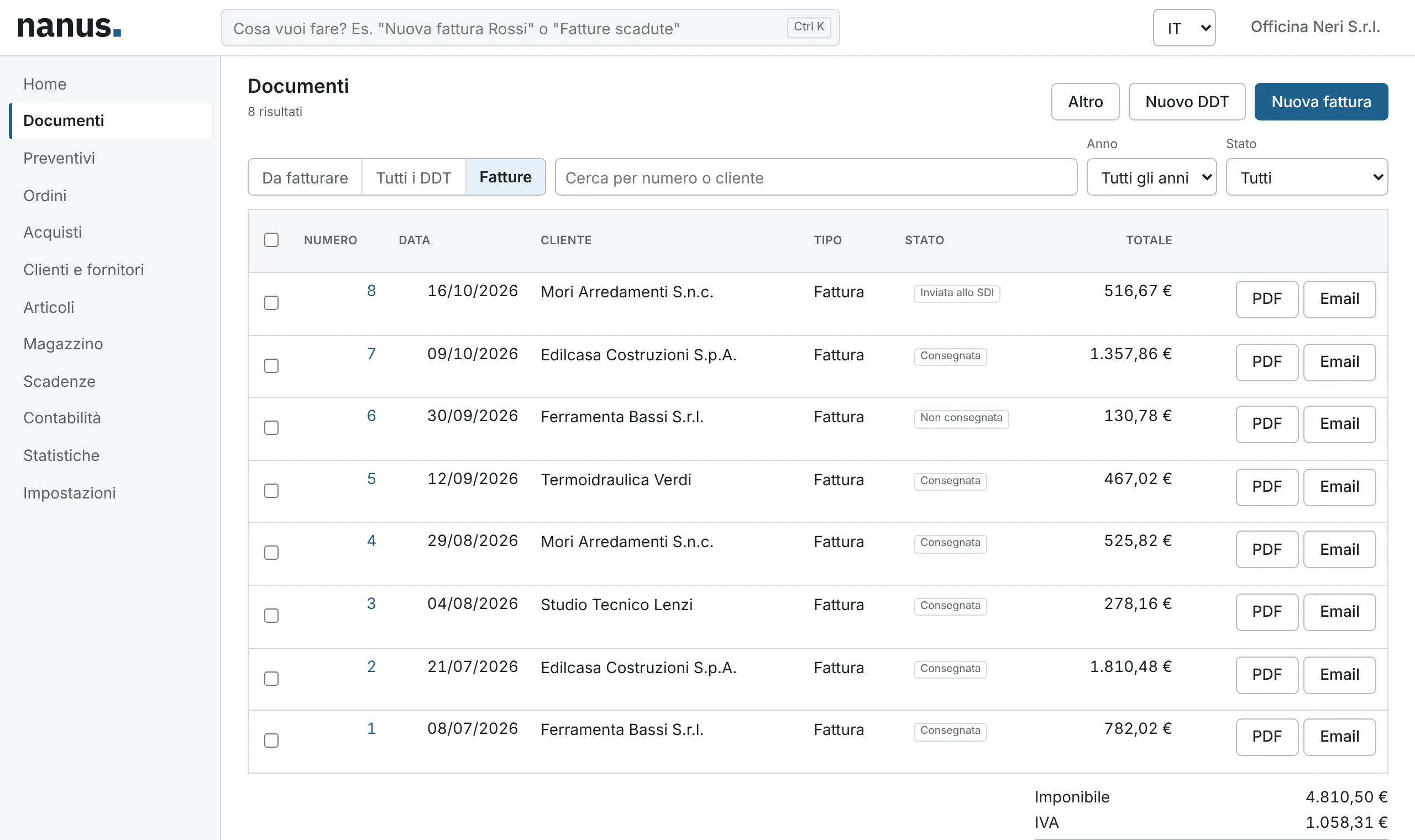
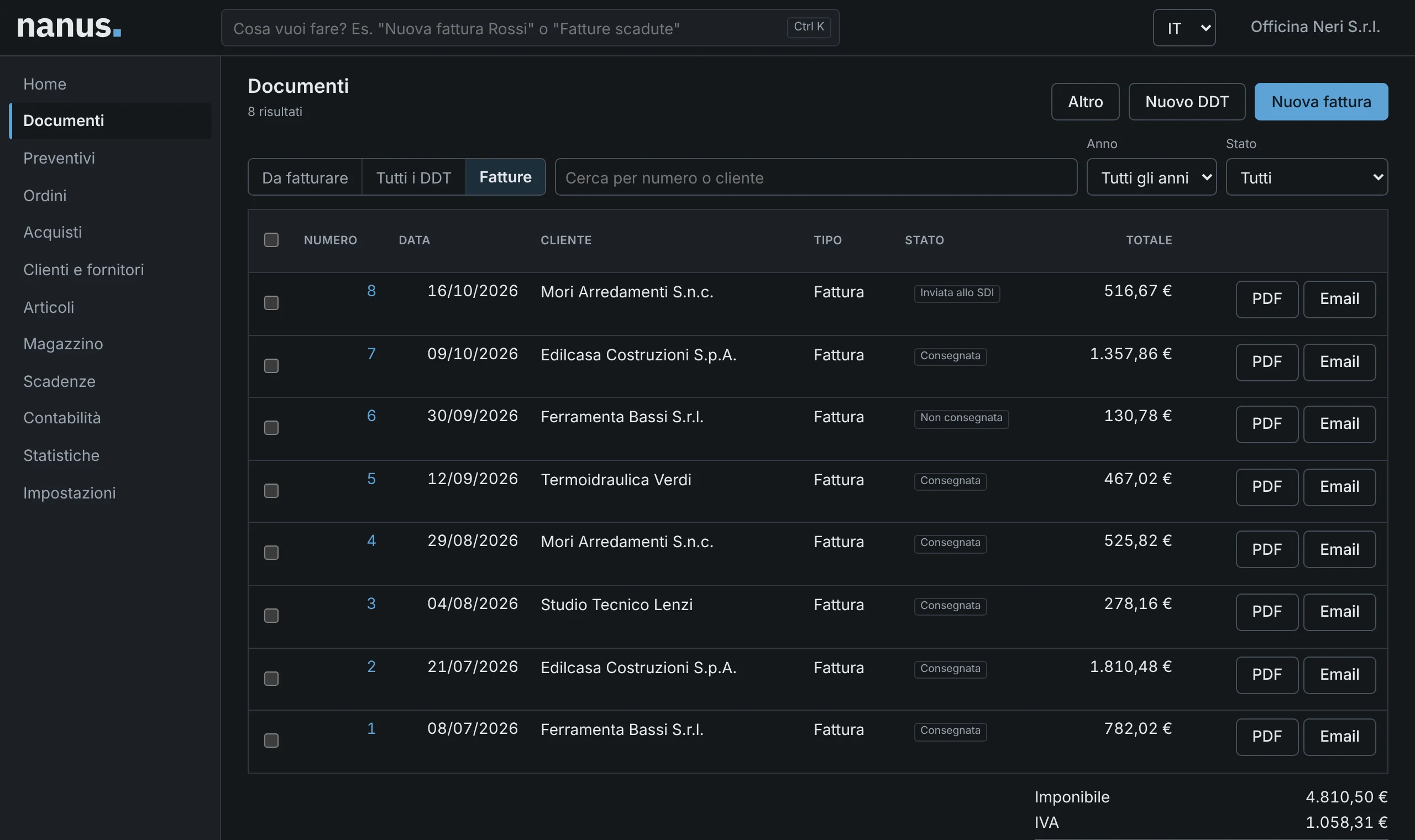
- FatturaPA 1.2.3XML validated against the official schemas
- SDI checksrejections caught before you submit
- Compliant archivingincluded in all paid plans
- Cloud, desktop and mobilethe same data everywhere
Designed around the way you work
The same software fits the flat-rate freelancer who issues ten invoices a year and the business with a warehouse, sales agents and a team.

-
Flat-rate taxpayers
Invoices under the flat-rate scheme with the correct VAT nature code and legal wording, plus a reminder when stamp duty applies.
Find out how -
Professionals
Fee invoices with withholding tax and pension fund contribution, advance payments and recurring invoices.
Find out how -
Trades and service businesses
From the on-site quote to the invoice, with due dates, reminders and collections under control.
Find out how -
Retail and wholesale
Orders, delivery notes, deferred invoicing, stock across several warehouses, price lists and online stores.
Find out how -
Accountants
All your clients’ companies under one login, with VAT registers and a bookkeeping package.
Find out how
Each document leads to the next
An accepted quote becomes an order, the order ships with one or more delivery notes, and the month’s delivery notes become a deferred invoice. Every step updates inventory and due dates.
- Quotewith validity and status, or pro forma
- Orderfulfilled in one or more shipments
- Delivery noteupdates stock levels
- Invoiceimmediate or deferred from delivery notes
- SDIsubmission and delivery receipts
- Paymentdue dates, RiBa, SDD and reminders
You catch the rejections, not the SDI
Before an invoice is issued, Nanus checks it against the same rules as the Exchange System (SDI) and tells you what to fix, alongside the official error code. The XML file is validated against the FatturaPA schemas in force.
Warnings never block you: they flag what is probably wrong, such as a forgotten stamp duty.
- Error An Italian customer needs a VAT number or a tax code. SDI code 00417
- Error The document number must contain at least one digit. SDI code 00425
- Warning Stamp duty appears to be due but has not been applied. bollo.dovutoNonApplicato
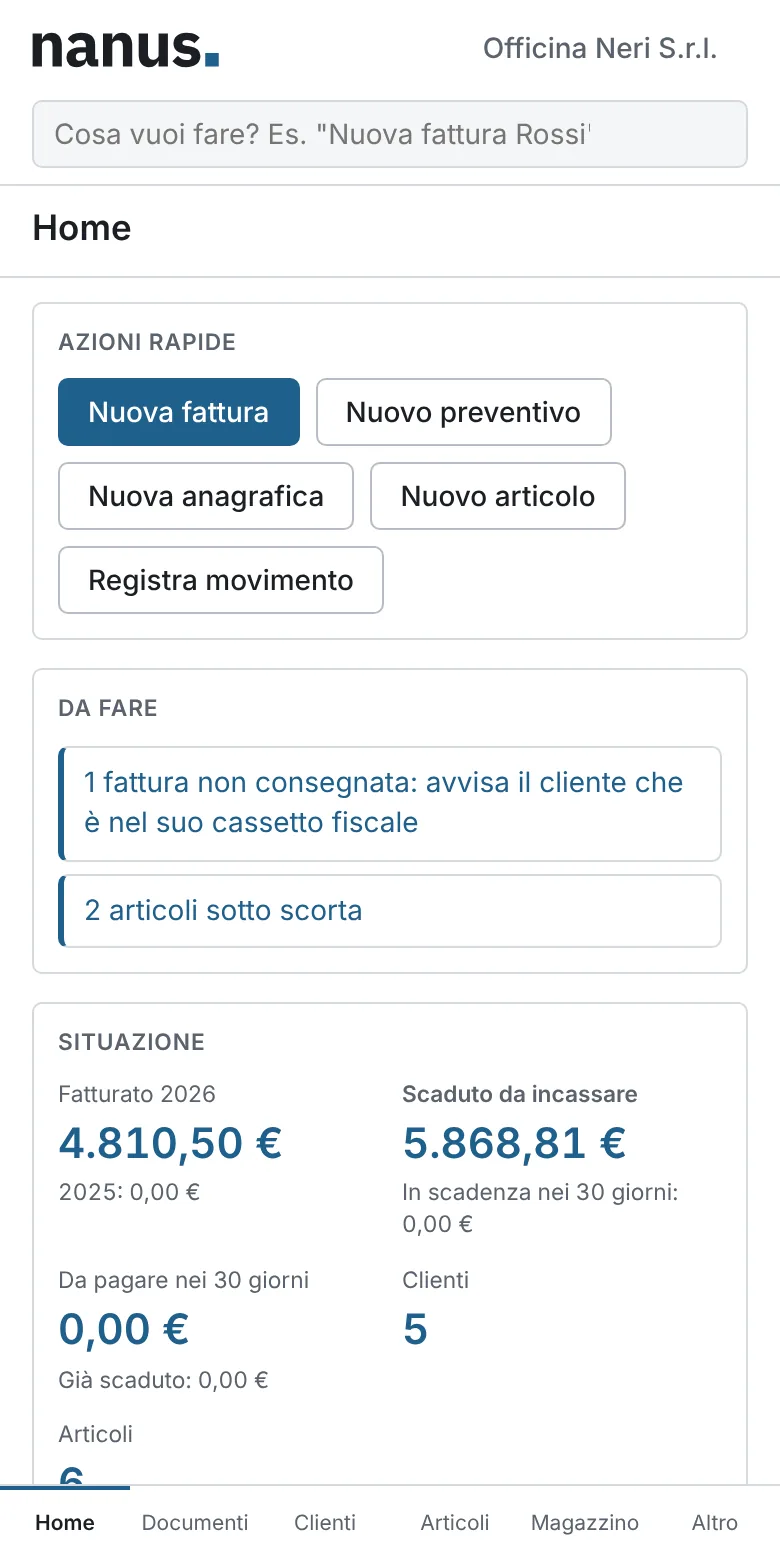
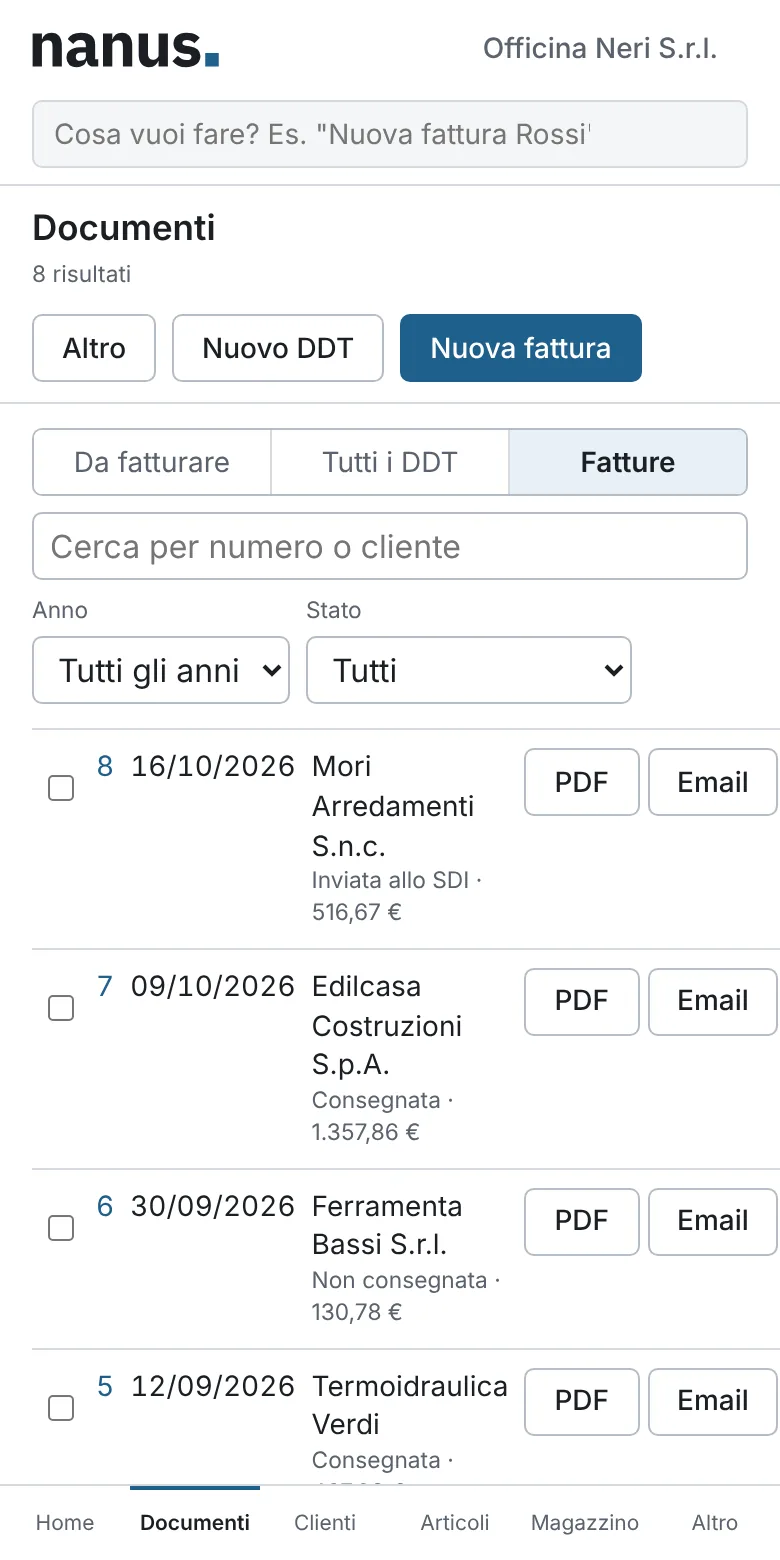
Your office in your pocket, even on site
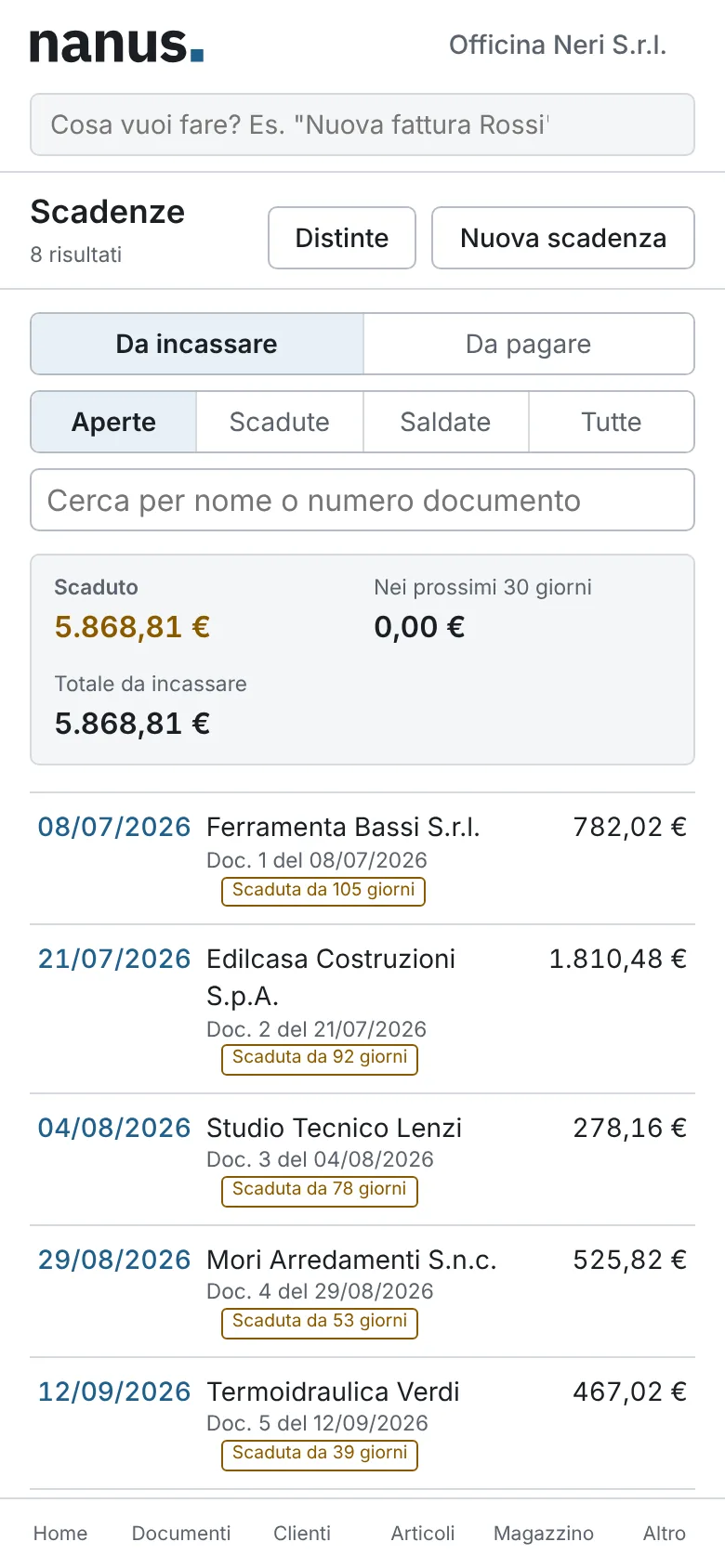
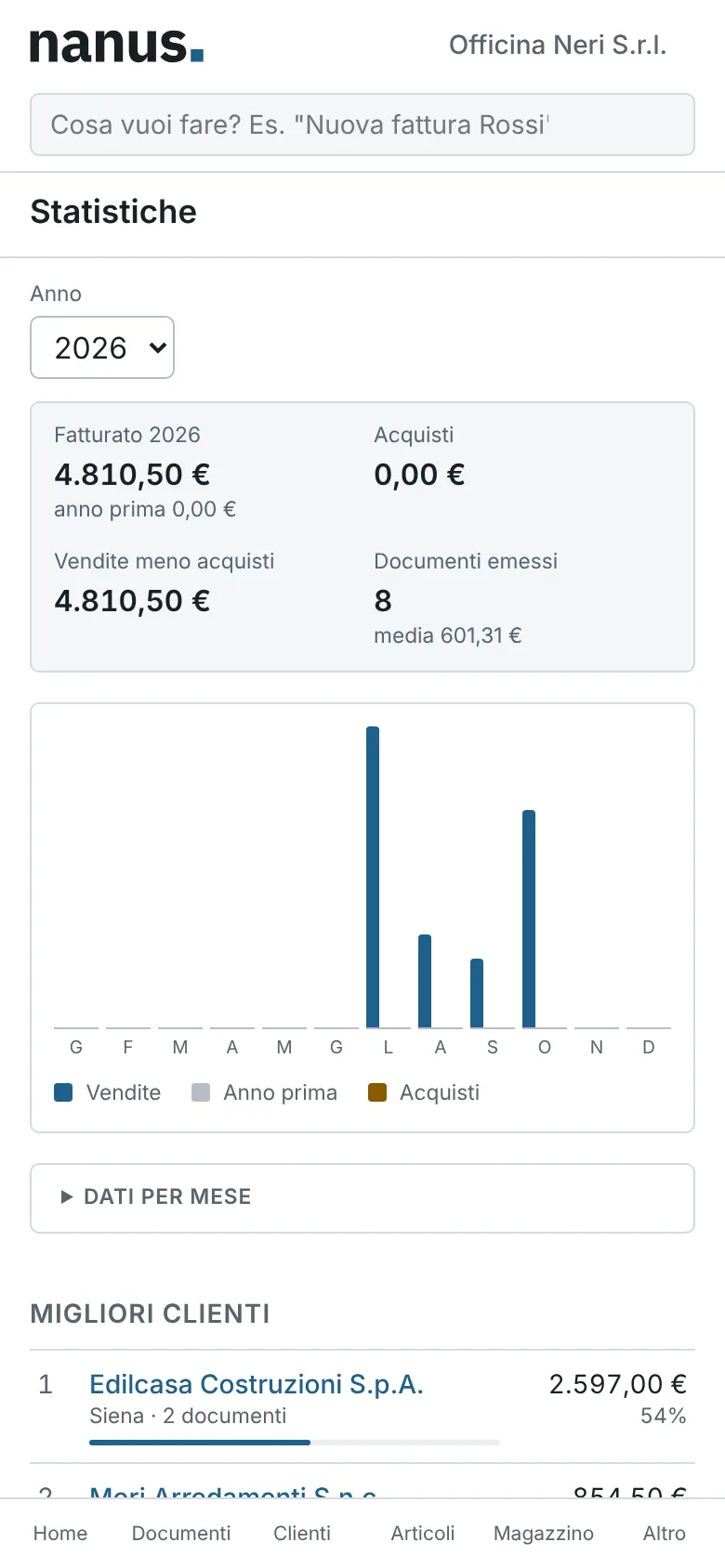
Issue an invoice as soon as the job is done, check who owes you while you are with a customer, look up stock in the warehouse. The interface is designed for the small screen first.

Everything a business system does, in one application
Everyday features are front and centre; the ones you need occasionally are there without getting in the way.
Electronic invoicing
Every FatturaPA document a business or a professional needs.
- Immediate, deferred and transport invoices
- Credit and debit notes
- Fee invoices with withholding tax and pension fund contribution
- Self-billing and reverse-charge integrations, TD16 to TD29
- Public administration invoices with CIG and CUP codes
Sales
Each document is generated from the previous one, with nothing to retype.
- Quotes and pro forma invoices
- Customer orders, including from WooCommerce and Shopify
- Price lists, customer-specific prices and cascading discounts
- Sales agents, commissions and Enasarco
- Recurring invoices for fees and subscriptions
Inventory
Stock levels always in line with the documents you issue and receive.
- Multiple warehouses and transfers
- Batches, serial numbers, sizes and colours
- Weighted average cost valuation and stocktaking
- Reordering from items below minimum stock
- Barcode scanner on document lines
Purchasing
Supplier invoices come in on their own and are recorded in one click.
- Receipt from your PEC mailbox, XML and p7m files
- Purchase orders and goods receipt
- Stock intake and accounts payable
- Self-billing invoices generated from the invoice received
Payments and accounting
You know who has to pay, when, and what you owe.
- Payment schedule with partial payments
- RiBa and SDD batches
- VAT registers and periodic VAT settlements
- Cash book and bank reconciliation
- Package for your accountant
Integrations
Nanus talks to other software, and you can move in from another system.
- Import of invoices, customers and items
- API with access keys and signed webhooks
- Email with the PDF attached
- Team members with roles and permissions
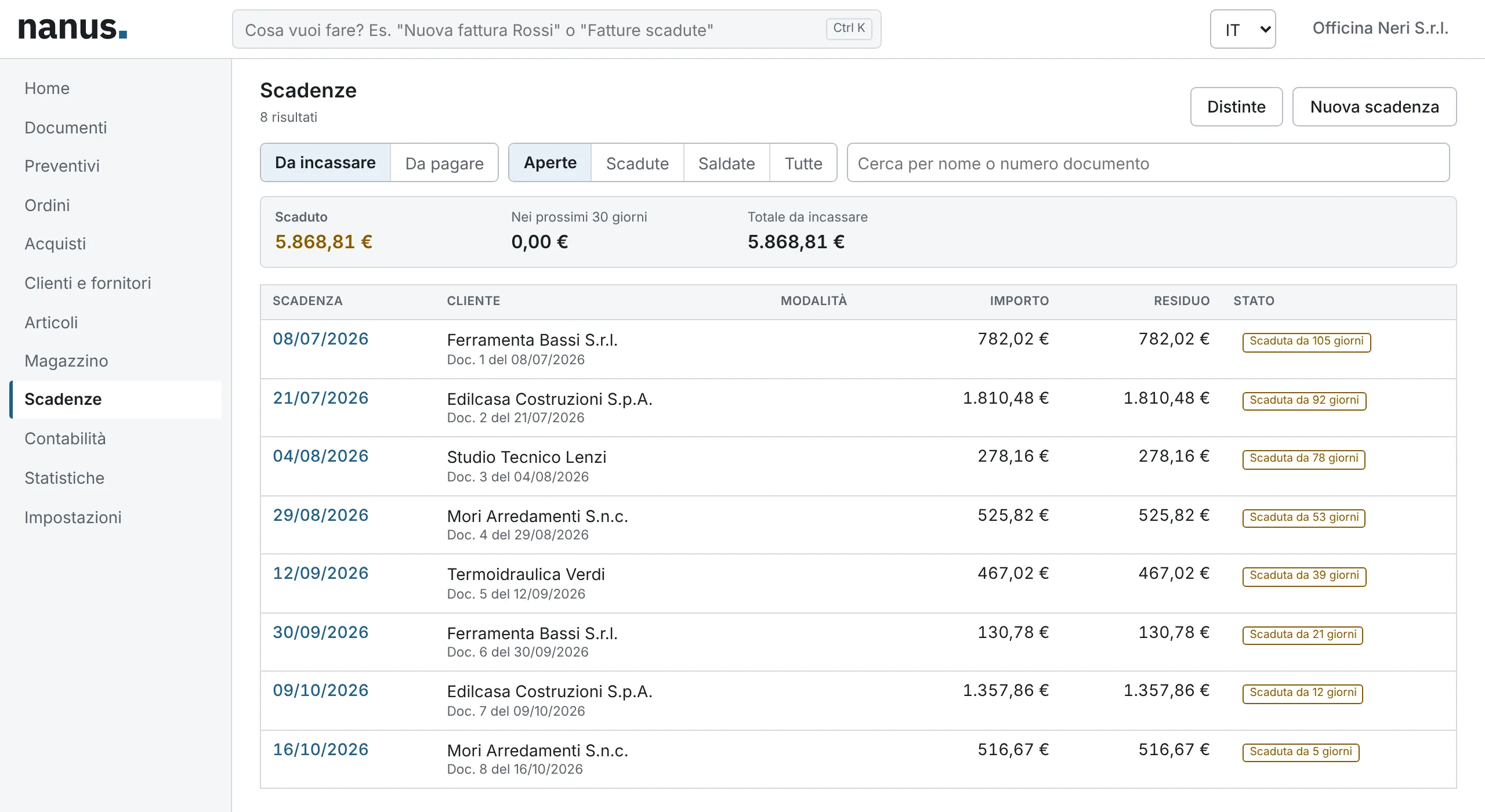
Always know who has to pay, and when
Due dates are created from invoices using the customer’s payment terms: instalments, end of month, fixed day, excluded months. Record partial payments and send reminders in one click.
RiBa and SDD batches ready for your bank, cash book and reconciliation with your bank statement.
Type what you want to do
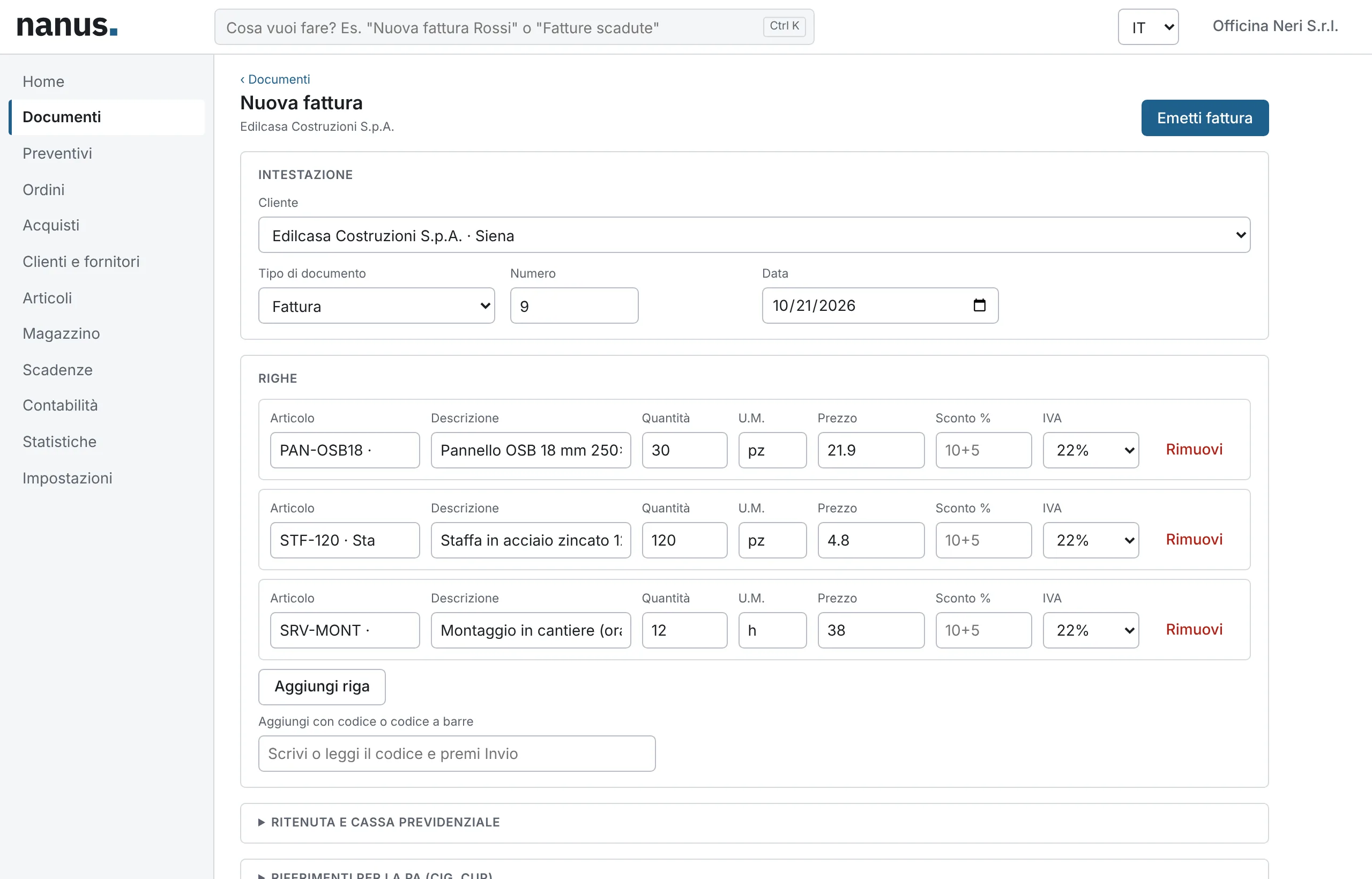
The bar at the top understands phrases such as New invoice Rossi or Overdue invoices and opens the right screen. It works offline and never sends your data anywhere.
Add lines by item code or barcode scanner, use keyboard shortcuts, and find a single primary action on every page.
Bring along what you already have
Import issued and received invoices from XML files, including signed p7m files or ZIP archives, plus customers, suppliers, items and stock from CSV or Excel, with the column layouts of the most popular programs.
Imported invoices stay in your history and reports, without being sent to the SDI again.
Start free, grow without surprises
Annual fee per company, excluding VAT. Every plan includes a number of SDI documents: if you go over, we will not block you.
-
Free
€0Up to 100 documents a year
-
Essential
€89 per year200 documents a year
-
Pro
€199 per year1,000 documents a year
-
Business
€399 per year2,500 documents a year
Your tax data, protected
Invoices, customers and payments are sensitive data. That is why access is protected, every team member has their own permissions, and your data can be backed up and restored whenever you need.
- Protected accessPasswords hashed with Argon2 and sessions no other website can use.
- Roles and permissionsEach team member sees and edits only the areas you assign.
- BackupsBackup and restore in one click; on desktop, a copy every day.
- Your data, alwaysExport everything whenever you like: invoices as XML, contacts and items as CSV.
Frequently asked questions
Is Nanus right for my business?
Yes, if you issue electronic invoices in Italy: from the flat-rate freelancer with a handful of invoices a year to the business with a warehouse, orders and sales agents. Features you do not need stay out of your way.
Do I need to install anything?
No, if you use Nanus in your browser or on your phone. If you prefer to work on your computer, even offline, there is an app for Windows, macOS and Linux.
How do invoices reach the SDI?
On paid plans, Nanus sends and receives invoices automatically through an accredited intermediary and archives them in compliance with the law. On the Free plan you send them from your own PEC mailbox or upload the XML to the Revenue Agency portal.
Can I import my data from the software I use today?
Yes: issued and received invoices as XML, including signed files or ZIP archives, and customers, suppliers, items and stock from CSV or Excel.
Can my accountant access my data?
You can invite them as a team member with the permissions you choose, or send them the package with XML files, VAT registers and cash book for the period.
Who is behind Nanus?
Nanus is developed by Maingage S.r.l., an Italian company based in Castellana Grotte, in the province of Bari.
Issue your first invoice with Nanus today
The Free plan never expires and needs no credit card. As your business grows, you move up a plan without changing software.